How to Convert Uppercase to Lowercase in Google Sheets?
Learn how to convert uppercase to lowercase in Google Sheets using the LOWER function, ARRAYFORMULA, PROPER, and other methods with practical examples.
Quick Summary: Convert Uppercase to Lowercase in Google Sheets
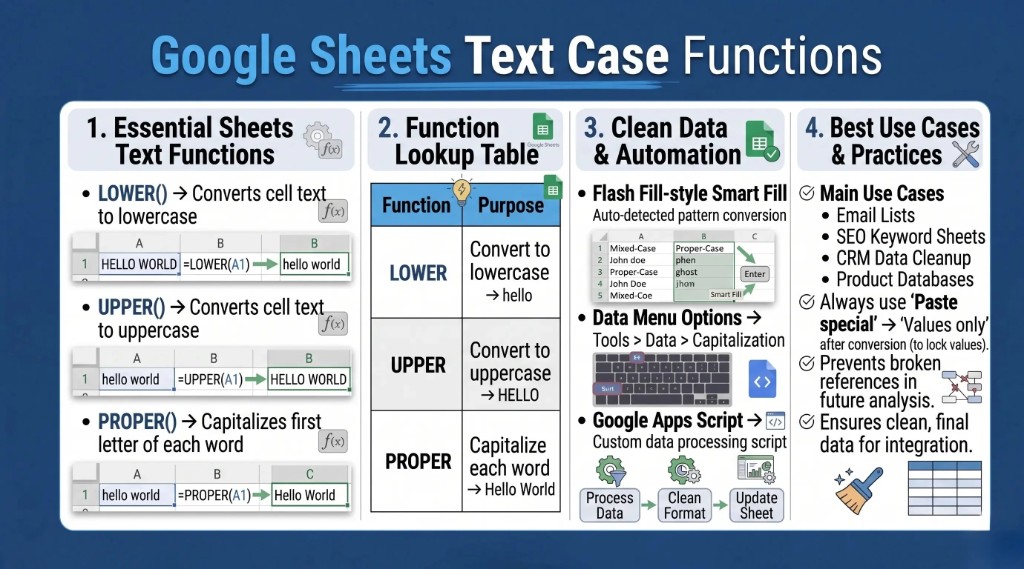
- LOWER() for quick lowercase
Google Sheets includesLOWER()so you can turn uppercase text into lowercase for cleaner reports, databases, and SEO sheets. - Works on formulas and imports
UseLOWER()on plain text, formula output, or messy imported columns— similar to Excel's LOWER and PROPER functions for spreadsheet cleanup. - UPPER() and PROPER() for other cases
Pair withUPPER()for all caps andPROPER()for title-style capitalization. - ARRAYFORMULA() for whole columns
CombineARRAYFORMULAwithLOWERto fill an entire range in one step. - Common real-world uses
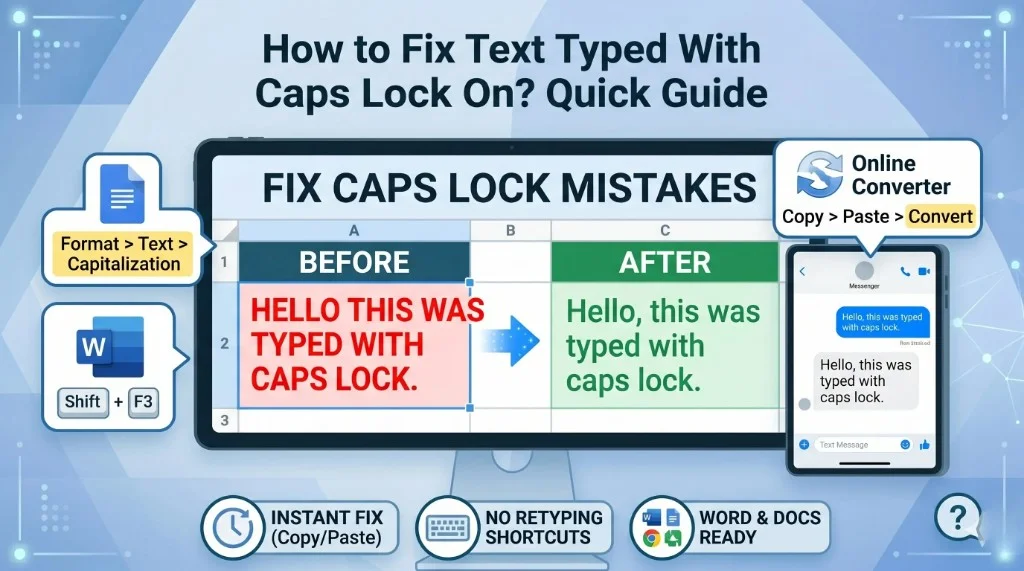
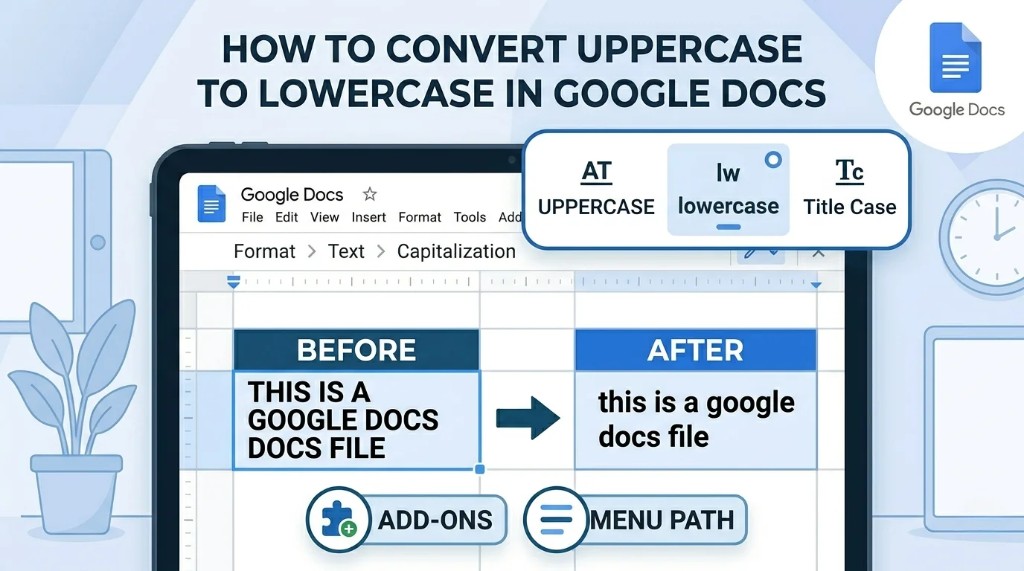
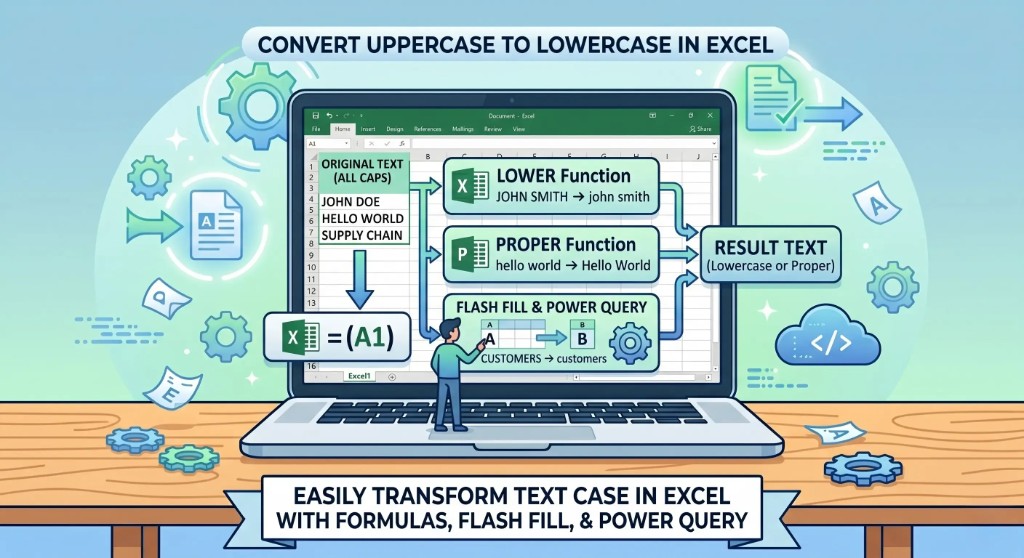
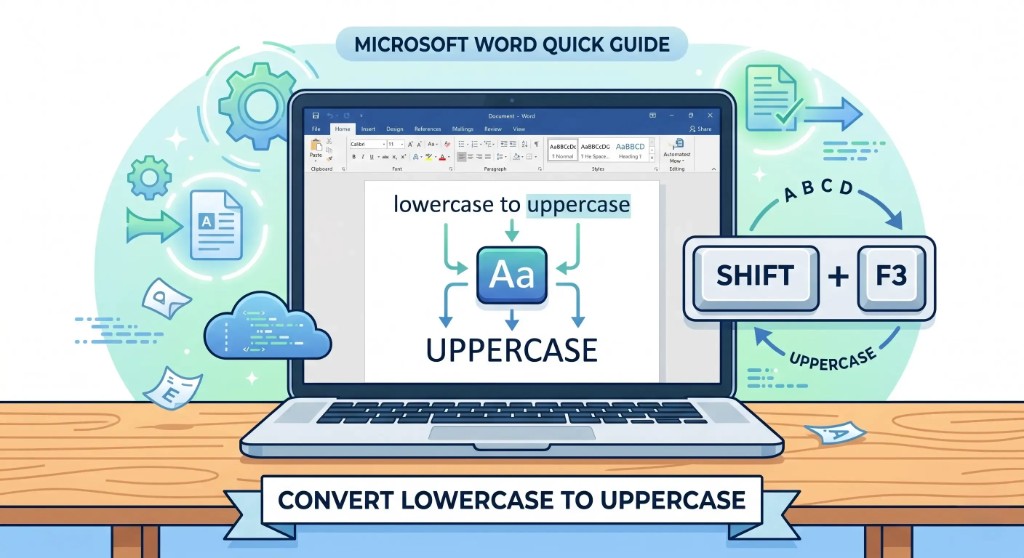
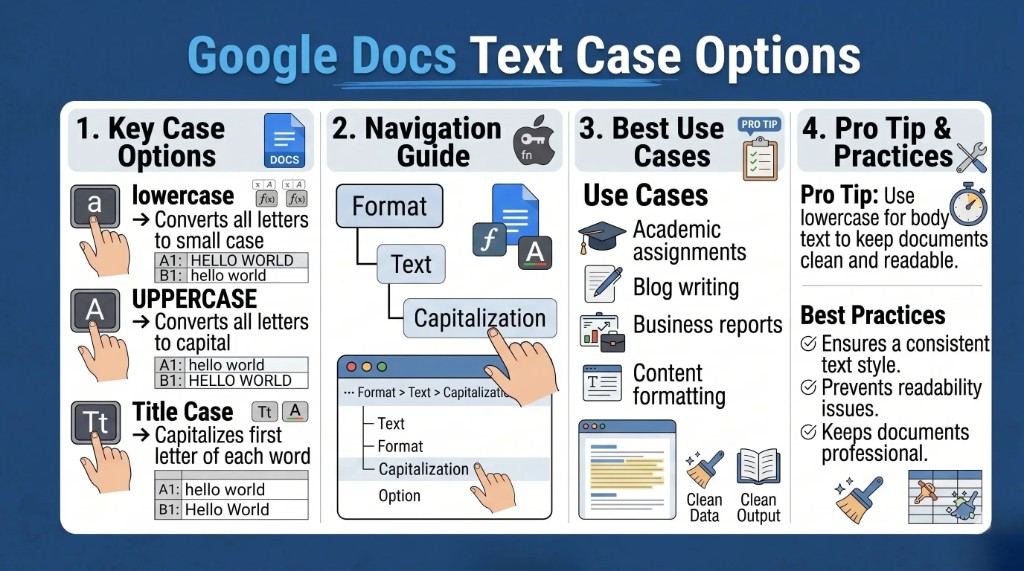
Email lists, CRM exports, and keyword research benefit from consistent lowercase— pair with Google Docs capitalization for prose or our free online case converter for quick paste-and-copy fixes.
Why Convert Uppercase to Lowercase in Google Sheets?
People commonly convert text case in Google Sheets for:
- Cleaning imported datasets
- Formatting names and addresses
- Standardizing product lists
- Preparing SEO keyword sheets
- Organizing email databases
- Making text easier to read
- Removing inconsistent formatting
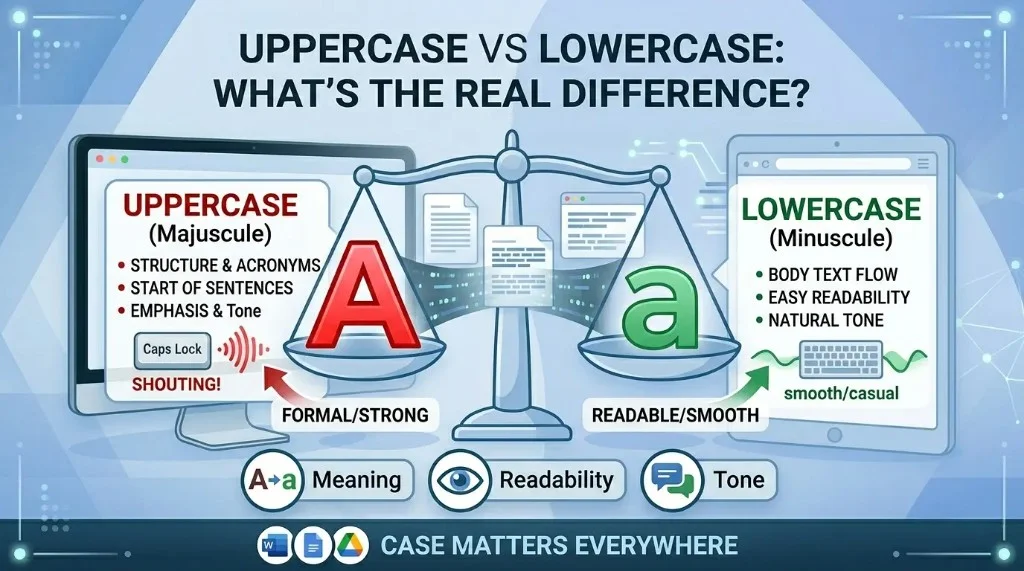
For example, these values may look different but represent the same concept: APPLE, Apple, apple. Converting everything to lowercase keeps joins, filters, and deduplication predictable. Desktop users with the same data in Excel can mirror this with LOWER() and Flash Fill—see our full tools and methods FAQ.
Convert Uppercase to Lowercase Using the LOWER Function
Google Sheets provides the built-in LOWER function for converting text to lowercase.
Syntax
=LOWER(text)Basic example
Suppose cell A1 contains:
HELLO WORLDUse this formula in another cell:
=LOWER(A1)Output: hello world
The formula converts every uppercase letter to lowercase. It does not overwrite A1 unless you copy and paste values on top of the source. Developers automating the same logic in code should read our Python lower() guide or JavaScript toLowerCase() walkthroughs.
How the LOWER Function Works
- Converts uppercase letters to lowercase
- Leaves numbers unchanged
- Keeps symbols and punctuation intact
- Returns a new value in the cell where you entered the formula
Literal example
=LOWER("PYTHON 2026!")Output: python 2026!
Convert Lowercase to Uppercase in Google Sheets
Use UPPER when you need the opposite transformation.
=UPPER(A1)If A1 contains hello world, the result is HELLO WORLD.
Capitalize the First Letter of Each Word in Google Sheets
Use PROPER for title case (first letter of each word capitalized).
=PROPER(A1)If A1 contains HELLO WORLD, the output becomes Hello World. This is useful for names, headings, and product titles.
Convert Multiple Cells to Lowercase in Google Sheets
Apply LOWER across an entire column or range with ARRAYFORMULA.
=ARRAYFORMULA(LOWER(A1:A10))This fills lowercase results for every non-empty row in A1:A10 from a single formula cell (typically the first row of the output column). For one-off text outside a sheet, use the free online case converter or Google Docs capitalization menu.
Convert Imported Data to Lowercase
CSV and Excel imports often arrive in inconsistent casing. If product names look like LAPTOP, SMARTPHONE, and HEADPHONES, a helper column with =LOWER(A1) (or ARRAYFORMULA for the whole column) normalizes values before lookups or pivot tables.
Convert Email Addresses to Lowercase
Email addresses are conventionally stored in lowercase to avoid duplicate accounts that differ only by case. Use =LOWER(A1) on your email column before imports into CRM or marketing tools.
Combine LOWER With Other Functions
Nest LOWER with TRIM to strip leading and trailing spaces, or with SUBSTITUTE to remove unwanted characters before casing.
=LOWER(TRIM(A1))This removes extra spaces, then converts the text to lowercase.
Convert Uppercase to Lowercase Automatically
If users type in column A, keep a formula column (for example B) with =LOWER(A1) and fill down. Column B always reflects the lowercase version dynamically while column A stays as entered.
Common Mistakes Beginners Make
1. Expecting formulas to overwrite the original cell
LOWER returns a new value in the formula cell. Copy → Paste special → Values only if you want to replace the source text.
2. Applying LOWER to numbers
Numbers are unchanged, as in:
=LOWER(12345)Result: 12345
3. Broken references when filling down
Double-check relative references (A1 vs $A$1) when dragging formulas across large ranges.
Best Practices for Case Conversion in Google Sheets
- Use
LOWERfor consistent lowercase storage - Use
PROPERfor display names and headings - Use
ARRAYFORMULAfor long columns instead of thousands of manual fills - Combine with
TRIMfor cleaner strings - Keep a raw import column and a cleaned column so you can always re-run logic
Real-World Uses of Lowercase Conversion
- SEO keyword research sheets
- Email marketing databases
- CRM exports
- Product inventory management
- Data cleaning projects
- School and business reports
- Website content planning
Frequently Asked Questions
How do I convert uppercase to lowercase in Google Sheets?
Use =LOWER(A1) (replace A1 with your cell).
How do I convert lowercase to uppercase in Google Sheets?
Use =UPPER(A1).
How do I capitalize the first letter in Google Sheets?
Use =PROPER(A1) for title case on each word.
Can I convert an entire column?
Yes. Example: =ARRAYFORMULA(LOWER(A1:A10)).
Does LOWER modify the original text?
No. It outputs a new value; the source cell stays the same until you paste over it.
Can LOWER convert numbers and symbols?
Numbers and most symbols pass through unchanged; letters become lowercase.
Why is lowercase conversion important?
It standardizes formatting, improves readability, and makes joins and deduplication more reliable.
Final Thoughts
Converting uppercase to lowercase in Google Sheets is straightforward with LOWER, and combining UPPER, PROPER, and ARRAYFORMULA covers almost every cleanup scenario. Whether you manage SEO keywords, customer emails, or imported spreadsheets, consistent casing keeps your data easier to work with and more professional.
Share this article